
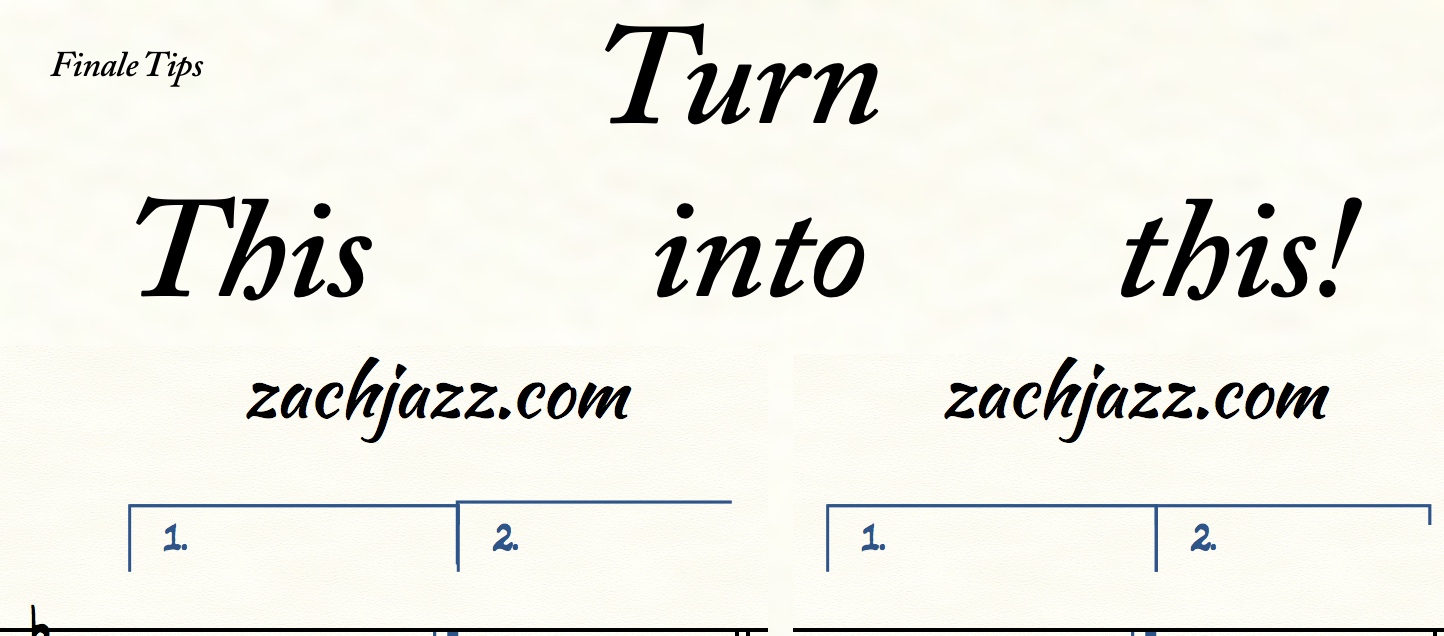
Have you ever had to move a repeat ending up a little bit to avoid a clash with notation only to fiddle with endings for wayyy to long? Well, here’s how to rapidly align your repeat endings!
If you want 5 weekly copywork tips, click here: http://link.zachjazz.com/copywork-tips
What does the problem look like?
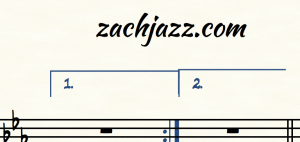
How to Fix It
- Highlight the endings using the REPEAT tool – each grey box should turn purple! If you have “Allow individual edits per staff” checked, you may have to click every grey box to highlight the endings.
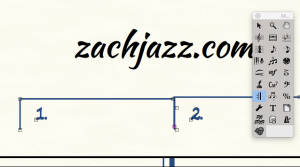
Use the repeat tool 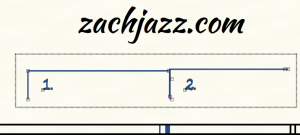
Highlight all of the grey boxes. 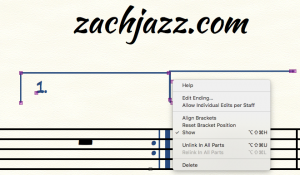
Right click on one of the purple boxes 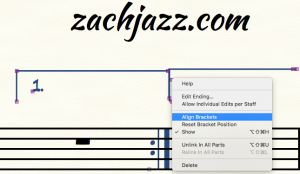
Click “Align Brackets” - Enjoy your aligned music!

If you want 5 weekly copywork tips, click here: http://link.zachjazz.com/copywork-tips

2 replies to "Finale Repeat Endings – Fix Misalignment FAST!"
Hi
I’m trying to add JW plug ins into finale
I’m on windows 10 not sure how to save it in the plug ins file in finale
Any chance you could help
Thanks
Martin
If you go to Finale’s preferences under Folders, you should see where Finale is looking for Plugins. That’s where you’ll want to add the JW Plugins.